List vs IEnumerable vs IQueryable in ASP.NET Core
Learn the differences between List, IEnumerable, and IQueryable in ASP.NET Core. Understand when to use each, common misconceptions, performance considerations, and how to answer this popular .NET interview question.
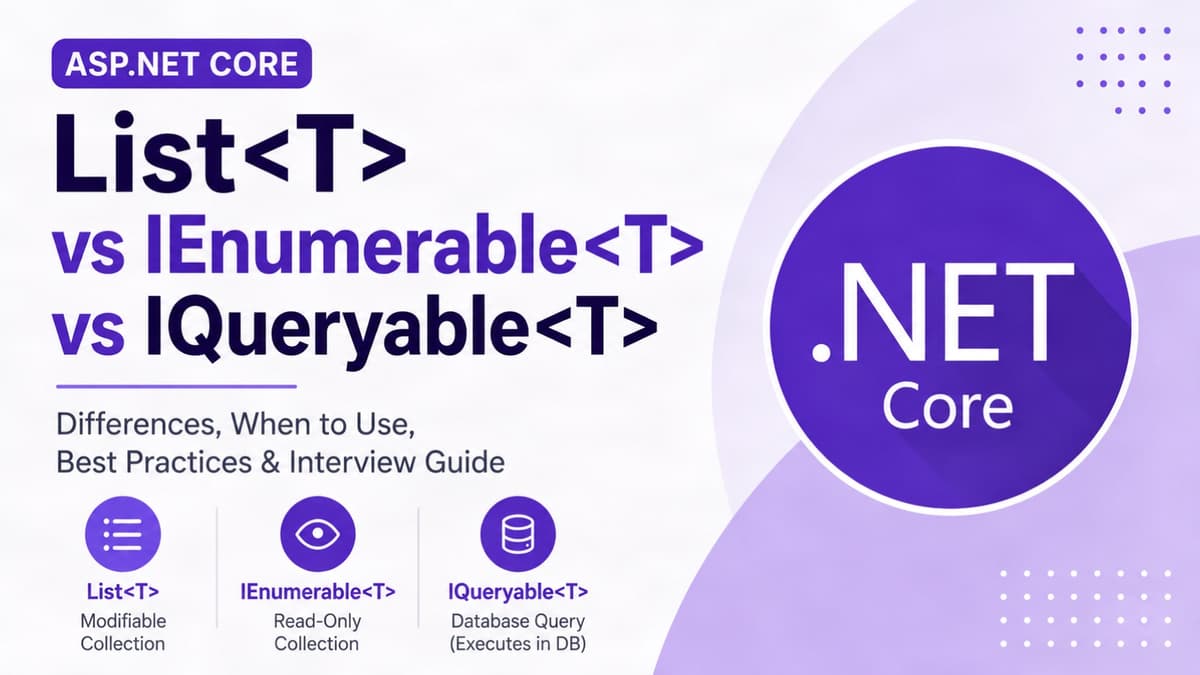
If you're learning C# or ASP.NET Core, you've probably seen List, IEnumerable, and IQueryable. They all work with collections, but they serve different purposes.
Let's understand the differences in a simple way.
What is List?
List is a concrete collection class that stores data in memory.
It allows you to:
- ✅ Add items
- ✅ Remove items
- ✅ Update items
- ✅ Access items by index (
list[0]) - ✅ Iterate with
foreach
List<string> names = new();

names.Add("John");
names.Add("Alice");

Console.WriteLine(names[0]);
Use List when you need a modifiable collection.
What is IEnumerable?
IEnumerable is an interface used for reading and iterating over a collection.
IEnumerable<string> names = new List<string>
{
    "John",
    "Alice"
};

foreach (var name in names)
{
    Console.WriteLine(name);
}
You cannot do this:
names.Add("Bob"); // ❌
Use IEnumerable when the caller only needs to read the data.
What is IQueryable?
IQueryable is designed for building database queries.
Entity Framework Core translates LINQ expressions into SQL.
var users = await _context.Users
    .Where(x => x.IsActive)
    .OrderBy(x => x.Name)
    .ToListAsync();
Generated SQL is similar to:
SELECT *
FROM Users
WHERE IsActive = 1
ORDER BY Name;
This means filtering happens in the database, not in your application.
Comparison
| Feature | List | IEnumerable | IQueryable |
|---|---|---|---|
| Type | Class | Interface | Interface |
| Read Data | ✅ | ✅ | ✅ |
| Add/Remove | ✅ | ❌ | ❌ |
| Index Access | ✅ | ❌ | ❌ |
| Best For | In-memory collection | Read-only access | Database queries |
A Common Misconception
Many developers think:
"IEnumerable is always faster than List."
This is not true.
The expensive operation is loading unnecessary data into memory, not using List itself.
For example:
var users = await _context.Users.ToListAsync();
If the Users table contains one million rows, all one million rows are loaded into memory.
That's expensive.
Instead, filter first:
var users = await _context.Users
    .Where(x => x.IsActive)
    .ToListAsync();
Now only the required data is loaded.
When to Use Which?
Use List when:
- You need Add(), Remove(), or Update().
- You need index-based access.
- The data is already in memory.
Use IEnumerable when:
- The caller only needs to read data.
- You want to expose a read-only collection.
- You want to hide the implementation.
Use IQueryable when:
- Building queries with Entity Framework Core.
- You want filtering, sorting, and projection to happen in SQL.
- You want better performance for database queries.
Interview Answer
List is a concrete collection class that stores data in memory and supports adding, removing, updating, and index-based access.
IEnumerable is a read-only interface used for iterating over a collection. I use it when callers only need to read data.
IQueryable is used mainly with Entity Framework Core. It builds SQL queries so filtering and sorting are performed by the database before data is loaded into memory.
Key Takeaways
- ✅ List → Modifiable in-memory collection.
- ✅ IEnumerable → Read-only abstraction for collections.
- ✅ IQueryable → Best for building efficient database queries.
Rule of Thumb
- Build queries with IQueryable
- Return IEnumerable if callers only need to read data
- Use List when you need a mutable collection
Share this article

Dabananda Mitra
Software Engineer specializing in ASP.NET Core, backend development, and scalable API design. Passionate about writing practical articles that simplify complex programming concepts.
Comments
Loading comments...
More Writings
Top 500 .NET Interview Questions | Complete Preparation Guide
Preparing for a .NET developer interview? I collected 500 unique interview questions covering the most important areas of the .NET ecosystem. This is a useful revision resource for freshers and experienced .NET developers preparing for technical interviews. Save it, practice the questions category by category, and use it as a structured roadmap for your .NET interview preparation.
Read Article →.NETProject Template: ASP.NET Core Web Api Modular Monolith
Tired of doing the starting configuration again and again for new projects? Here is the solution. Use this Modular Monolith ASP.NET Core Web Api starting template and directly jump into main code.
Read Article →.NETSerilog: Setup Serilog in ASP.NET Core Web API Project
A step-by-step guide to configuring Serilog in an ASP.NET Core Web API project with console logging, file logging, structured logging, and request logging.
Read Article →